In the ever-evolving world of gaming, having the right hardware is crucial for an immersive experience. Building your own gaming PC not only allows you to tailor the specifications to your needs but also provides a sense of satisfaction that comes from assembling a machine from scratch. This guide will walk you through the essential components, considerations, and steps to build your very own gaming powerhouse.
Understanding Your Needs
Before diving into the realm of components, it’s essential to assess your gaming needs. Are you a casual gamer, or do you require a system capable of handling the latest AAA titles at maximum settings? Understanding your requirements will help you make informed decisions on the components you choose.
For instance, if you only play less demanding games, you might not need the latest graphics card or a high-end processor. However, if you plan to play graphically intensive games or engage in tasks like video editing, investing in top-tier components will enhance your overall experience.
Choosing the Right Components
The heart of any gaming PC lies in its components. The main parts you need to consider include the CPU, GPU, motherboard, RAM, storage, and power supply. Let’s break each of these down.
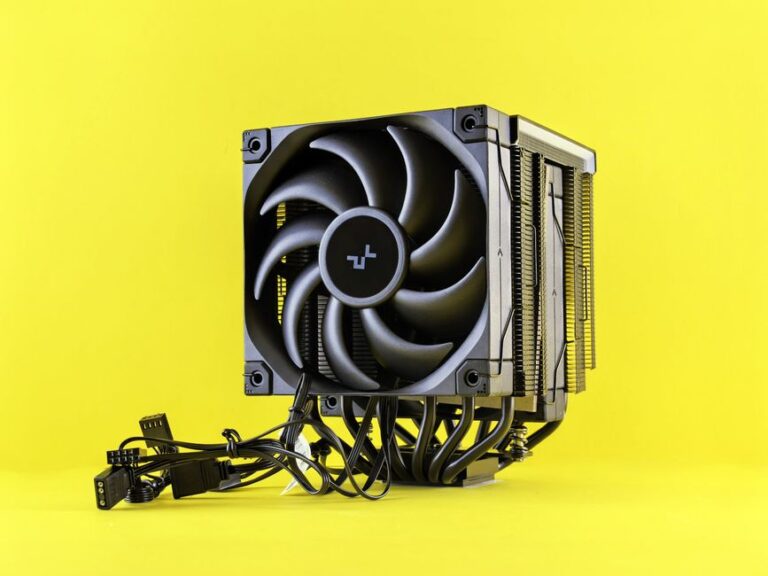
The CPU (Central Processing Unit) is often referred to as the brain of the computer. For gaming, you typically want a processor with a high clock speed and multiple cores. Popular options include AMD’s Ryzen series and Intel’s Core i7 and i9 processors.
The GPU (Graphics Processing Unit) is equally important, as it directly impacts your gaming performance. NVIDIA and AMD are the leading manufacturers, and their latest graphics cards can provide stunning visuals and high frame rates. It’s essential to check compatibility with your chosen motherboard and ensure your power supply can handle the GPU’s requirements.
Assembling Your Gaming PC
Once you’ve gathered all the components, it’s time to assemble your gaming PC. Start by preparing your workspace and ensuring you have the necessary tools, such as a screwdriver, anti-static wrist strap, and cable ties for organization.
Begin by installing the CPU onto the motherboard, followed by the RAM modules. Next, mount the motherboard into the case and secure it with screws. Install the power supply and connect the necessary cables to the motherboard and components. Finally, insert the GPU into the appropriate PCIe slot and connect any additional power cables needed.
Once everything is in place, double-check your connections and ensure that all components are securely mounted. It’s also a good practice to manage your cables for better airflow and aesthetics.
Installing the Operating System and Drivers
After successfully assembling your gaming PC, the next step is to install the operating system. Windows is the most popular choice for gamers, but alternatives like Linux are also available.
Once the OS is installed, you’ll need to install drivers for your hardware components. This includes your graphics card, motherboard chipset, and any peripherals. Keeping your drivers up-to-date ensures optimal performance and compatibility with new games.
Optimizing Your Gaming Setup
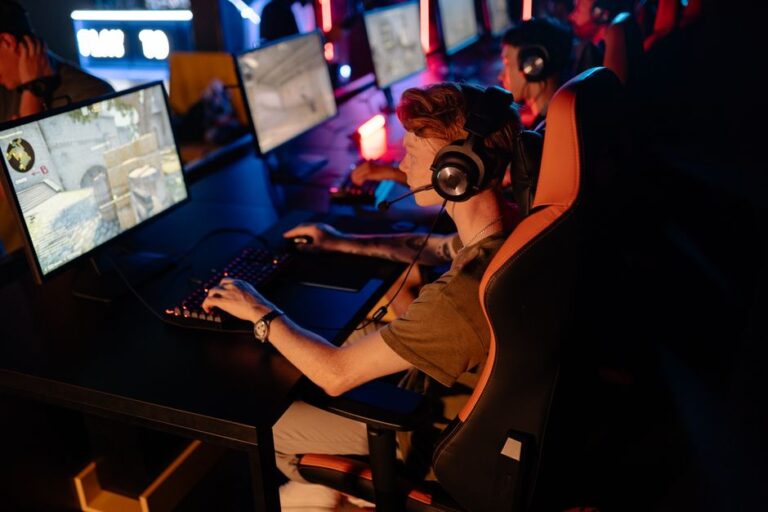
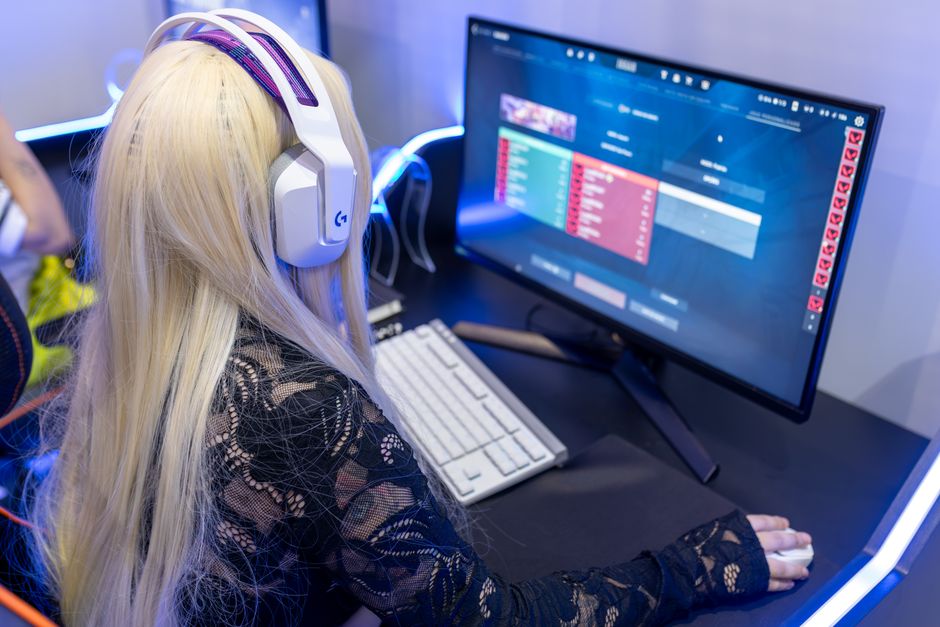
With your gaming PC up and running, it’s time to optimize your setup. This might include adjusting in-game settings for optimal performance or investing in accessories like a gaming mouse, mechanical keyboard, and a high-refresh-rate monitor.
Additionally, consider using software tools to monitor your system’s performance, temperatures, and resource usage. This helps you identify any potential issues and ensures your gaming experience remains smooth.
For those looking to expand their knowledge further, online resources and communities, like a dedicated gaming PC builder site, can provide valuable insights and support.
Conclusion
Building your own gaming PC can be a rewarding and fulfilling project. By understanding your needs, choosing the right components, and following a systematic assembly process, you can create a machine that not only meets your gaming demands but also stands the test of time. With a little patience and research, you’ll be well on your way to enjoying an exceptional gaming experience tailored just for you.
About the Author